
Generate Excel sequences without dragging 400,000 rows
Create bulk labels like Account1, Account2, row numbers, zero-padded IDs, Excel formulas, and CSV previews from one focused generator.
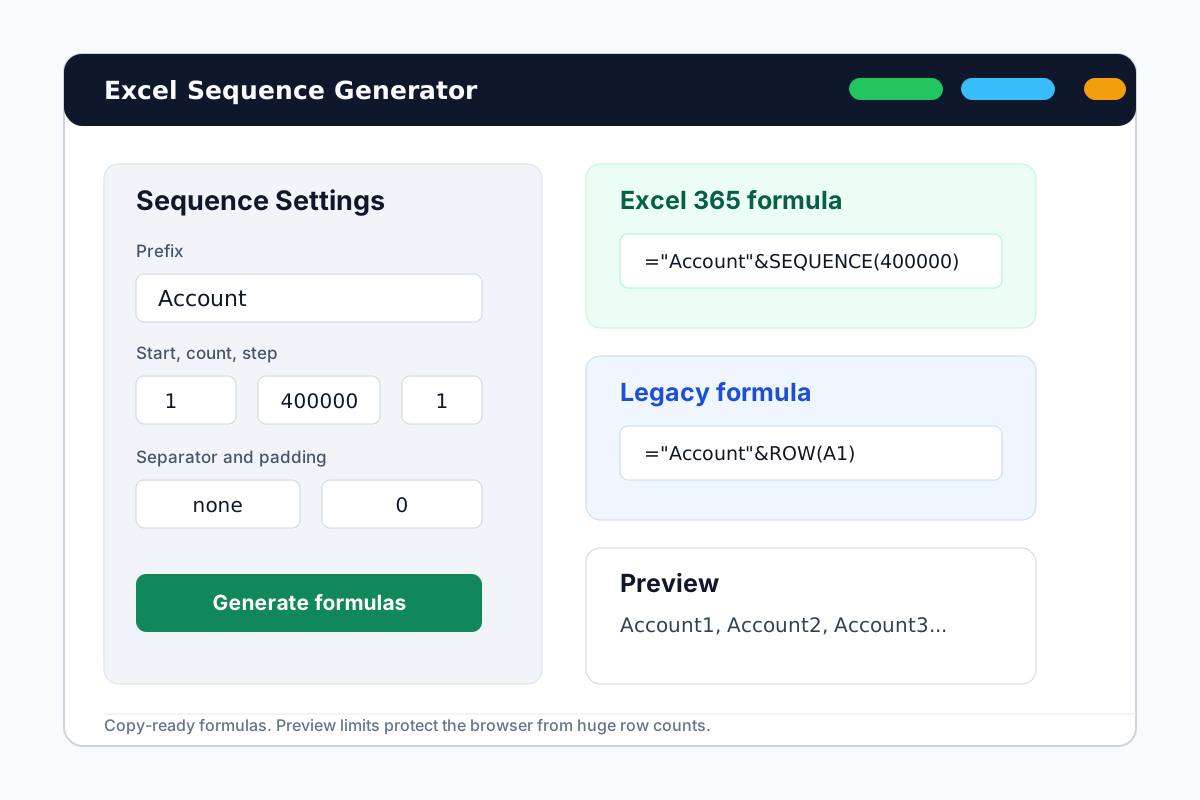

Generate labels, formulas, and CSV previews in one place
Enter the sequence pattern once. Copy an Excel 365 formula, a legacy ROW formula, a plain-text preview, or a CSV preview without dragging the fill handle.
Generated output
Excel 365 formula
Legacy Excel formula
Plain text preview
CSV preview
Showing the first 100 rows only to keep the browser fast.
Built around the boring Excel jobs that waste real time
Most users do not need another spreadsheet course. They need the right formula, a safe preview, and something they can paste back into Excel.
Account1 to Account400000
Generate long account, ticket, invoice, batch, or SKU labels without dragging the fill handle down the sheet.
Excel formula generator
Get formula patterns for modern Excel 365 and older Excel versions where SEQUENCE is unavailable.
CSV and plain-text preview
Preview a limited slice of the output before copying formulas or exporting values into another workflow.
From numbering idea to paste-ready output
A simple three-step path for people who only opened Excel because something had to be numbered.
Describe the sequence
Choose the label prefix, starting number, row count, increment, separator, and padding.
Review formulas and preview
Compare the Excel 365 formula, legacy formula, and a short generated preview before copying.
Paste into Excel
Use the formula for dynamic sheets or copy values when you need fixed labels for import/export.
Focused on bulk numbering
Open the page, generate formulas, preview the output, and paste the result back into Excel without accounts, uploads, or extra setup.
Deterministic output
No AI guessing. The same inputs produce the same formulas and previews every time.
Excel-aware formulas
Support for SEQUENCE formulas and legacy ROW-based alternatives.
Copy-first UI
Copy buttons, preview limits, and error messages are built around real spreadsheet work.
Fits common label jobs
Use it for accounts, tickets, SKUs, batches, row labels, and other repetitive sequences.
Less dragging, more certainty
Describe the numbering rule once, then let Excel formulas and previews handle the repetitive work.
400k Formula-ready for very large row counts
Formula-ready for very large row counts
3 Formula, text preview, and CSV preview
Formula, text preview, and CSV preview
0 Login steps before you can start
Login steps before you can start
Excel sequence generator FAQ
Short answers for users searching from Excel forums, Reddit, and search engines.
Generate your Excel sequence now
Enter a prefix and row count, copy the formula that fits your Excel version, or download CSV output for the next step.