
Bulk row label generator for Excel
Create labels for rows, batches, exports, tickets, SKUs, accounts, and reports without manually writing or dragging them.
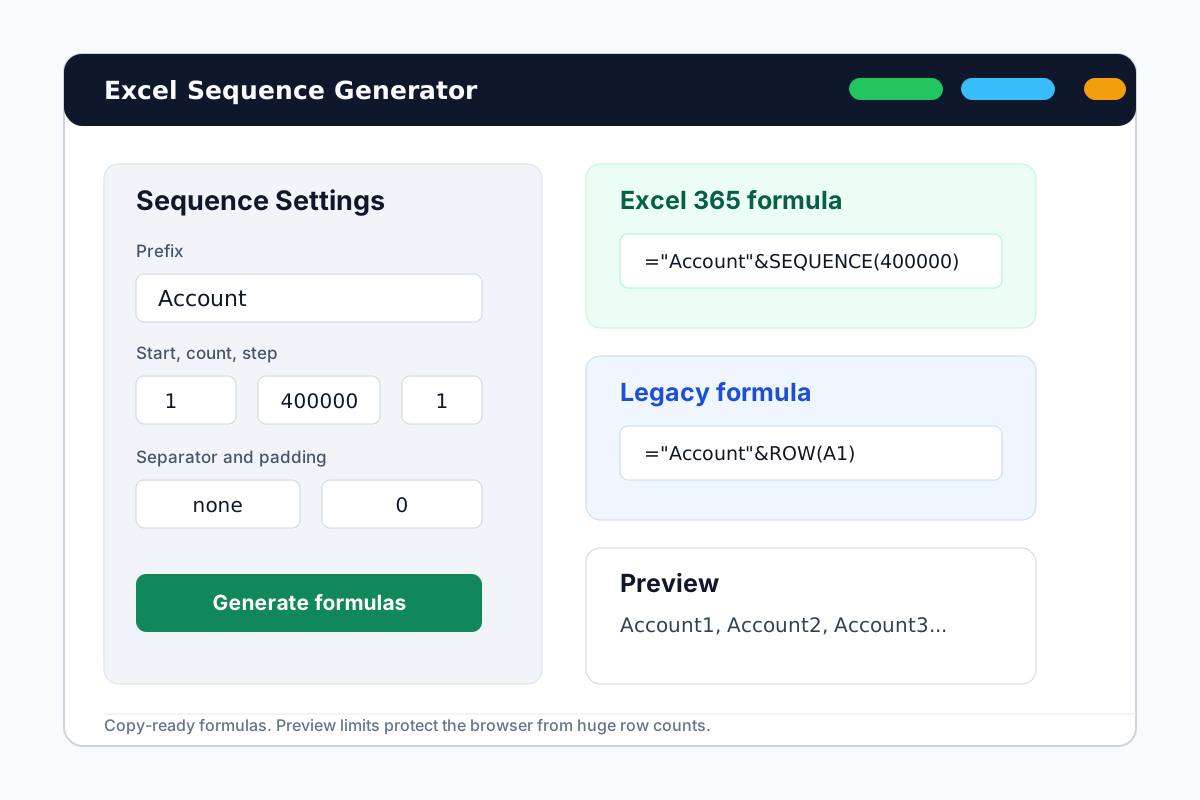

One generator for many label patterns
Bulk labels are the same pattern with different words: prefix, number, step, separator, and optional padding.
Operations labels
Batch1, Batch2, Ticket100, Ticket101, or any internal list label.
CSV-ready previews
Preview and copy a small fixed-value sample when another app needs CSV-like input.
Formula-first workflow
Use formulas for long Excel ranges instead of generating huge browser output.
Build a row label sequence
Start with a label pattern, then choose whether formula or preview values fit the job.
Pick the label prefix
Use names like Row, Batch, Ticket, SKU, Account, or Client.
Set the numbering rule
Choose start number, count, step, separator, and padding.
Copy the best output
Use formula output for Excel ranges or preview output for fixed sample values.
Bulk row label FAQ
Create bulk row labels now
Open the generator and copy the output that fits your spreadsheet task.