
Excel Account1 Account2 generator
Create account labels for hundreds or hundreds of thousands of Excel rows without manually dragging the fill handle.
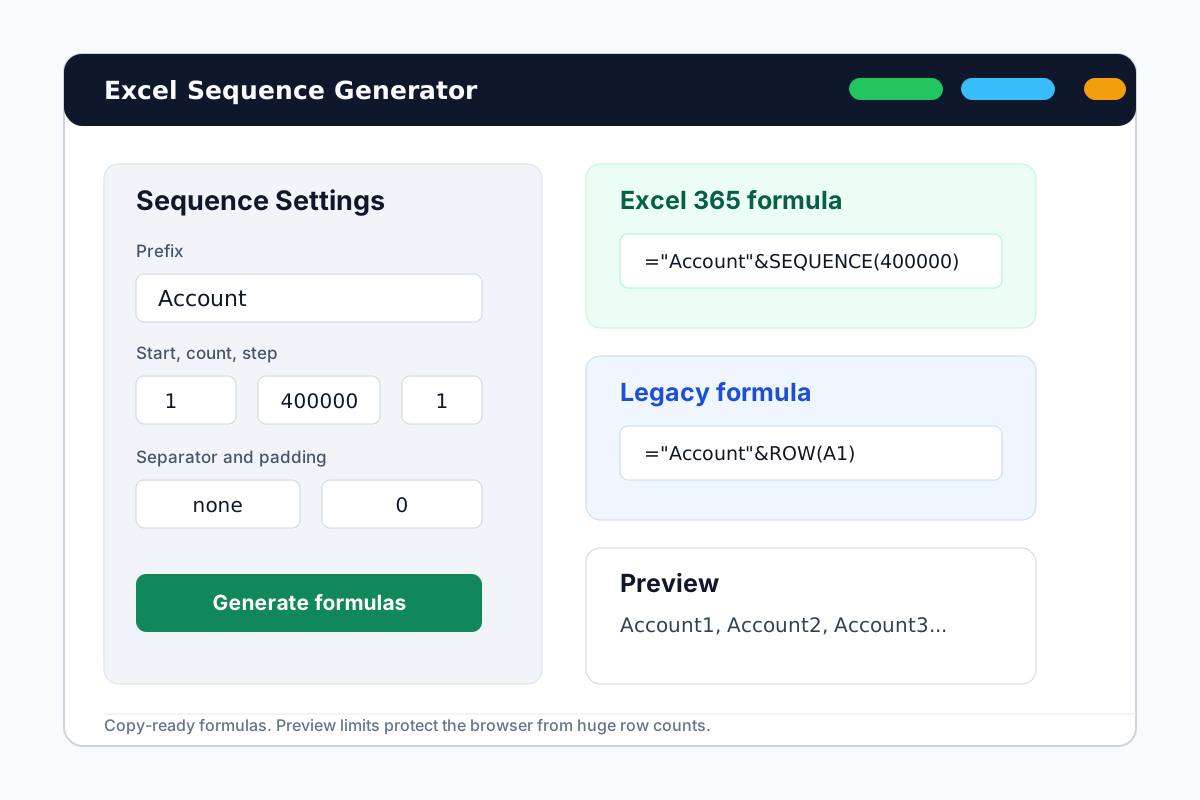

Generate account labels without the manual Excel workaround
For Account1 to Account400000 style labels, the fastest path is a formula you can paste into the first cell, or a copied preview when you need fixed values.
Prefix control
Use Account, Client, User, Invoice, Ticket, Batch, SKU, or any short label prefix.
Large row counts
Generate formulas for very large counts while keeping the browser preview limited and fast.
Optional padding
Switch from Account1 to Account0001 when imports or reports need fixed-width labels.
How to make Account1, Account2 labels in Excel
Use the generator for the formula, then paste the result into your workbook.
Enter Account as the prefix
Set the start number, row count, step, separator, and padding.
Copy the formula
Use SEQUENCE in Excel 365, or the ROW formula for older Excel versions.
Paste into the first cell
Let Excel fill the labels dynamically, or copy fixed preview values for imports.
Account label generator FAQ
Generate your account label formula
Open the free Excel generator and create the sequence pattern in seconds.